 📱 Android-app
GPSFlow kombinerar en exakt hastighetsmätare, fartkamera-/skol-/farthinder-varningar, realtidsbränslepriser, EV-laddstationer, vägtullsberäkning och inbyggt väder. Reklamfri. Ingen spårning. Offline när du behöver.
Hastighetsmätare, varningar, priser, vägtullar, väder, EV-laddning — allt i en app, ingen prenumeration, reklamfri.
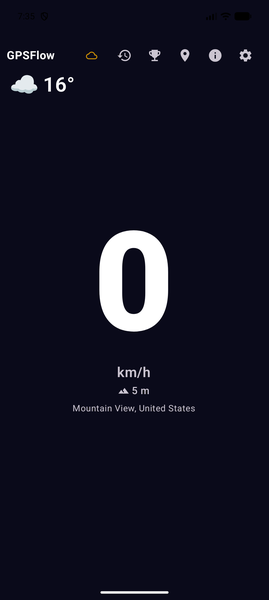
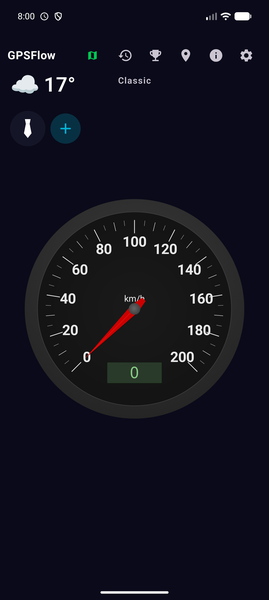
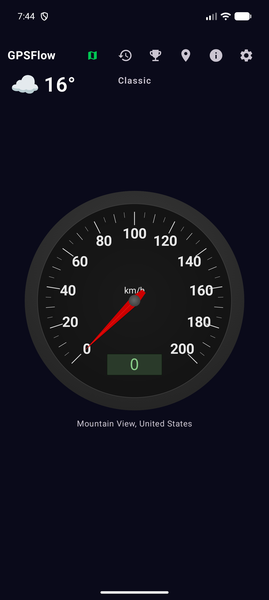
Live speed shown big and readable, current road speed limit via OpenStreetMap, portrait or landscape. Optional floating HUD over other apps.
Cameras, school zones, speed bumps, slow zones, dangerous curves, traffic lights and stops. The alert only fires if you're actually approaching (±60° directional filter, road-type compatibility).
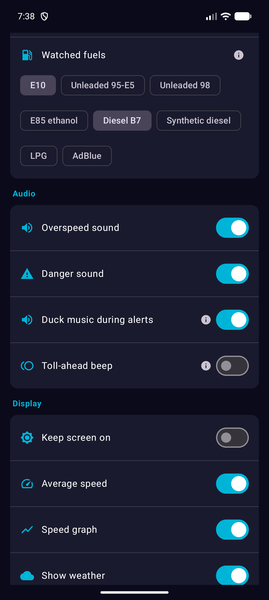
Official sources only: data.gouv.fr (FR), Tankerkönig (DE), E-Control (AT), Minetur (ES), MIMIT (IT). Shows the average price and the cheapest station on your route.
European coverage via OpenChargeMap + the consolidated IRVE database for France (62,000 stations). Network, kW power, plug type, pay-as-you-go pricing for major operators (Ionity, Tesla, TotalEnergies…).
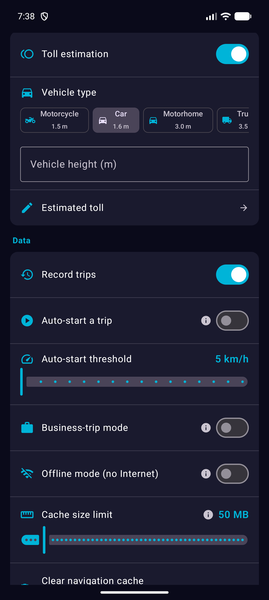
Official rates per operator (APRR, Vinci, ASF, Atlantia…) and automatic in-trip calculation. Vignettes for AT / CH / SI / HU / SK / CZ / RO / BG. Vehicle-class aware (1 to 5).
Live temperature and conditions via Open-Meteo, with automatic rain detection to adjust alerts (slow down in the rain). Refreshes every 30 min, or every 30 km.
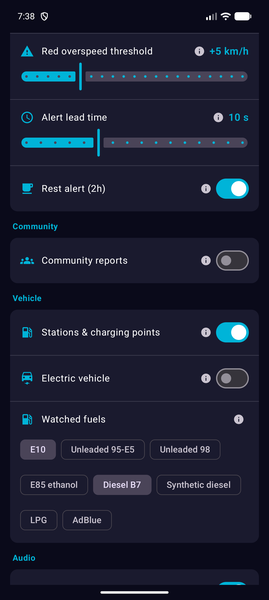
29 report types: traffic jams, accidents, road closed, wrong way, emergency vehicle, potholes, oil slicks, animals, strong wind, snow, fuel prices, charging tariffs… Shared in real time, anonymous, opt-in.
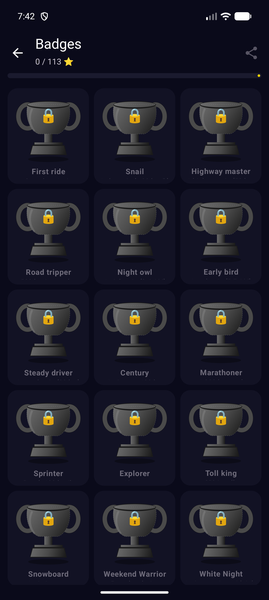
5 tiers (Bronze → Diamond) across 23 driving trophies (mileage, weather, countries, time-of-day…) + 5 community trophies tied to your reports. Confetti and progress ring built in.
Tag personal vs business trips with one button. Timestamped history, per-client mileage, CSV export for accounting (mileage allowances 2026).
Core features projected onto your car's screen: speed, alerts, nearby stations. Works with most recent vehicles that have Android Auto.
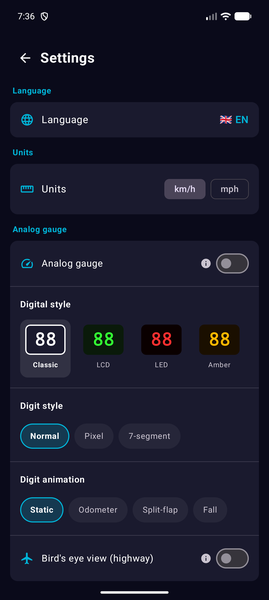
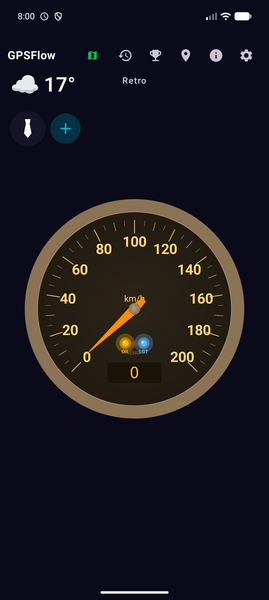
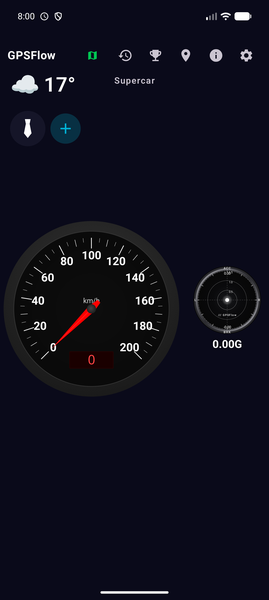
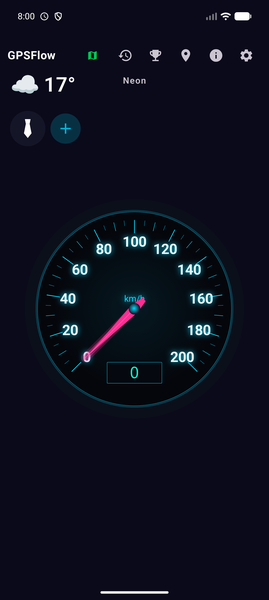
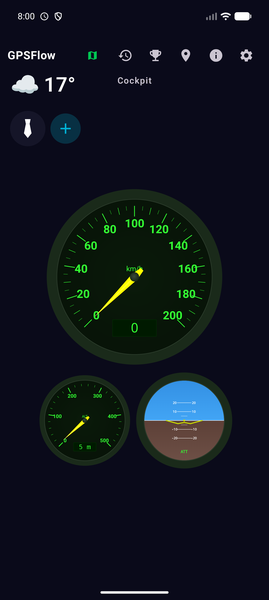
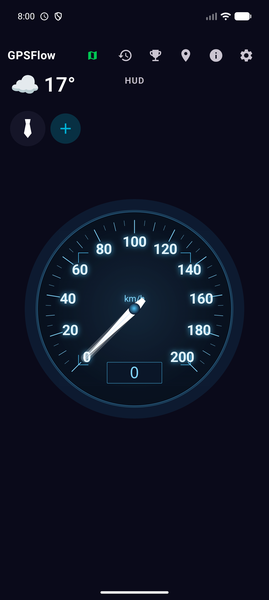
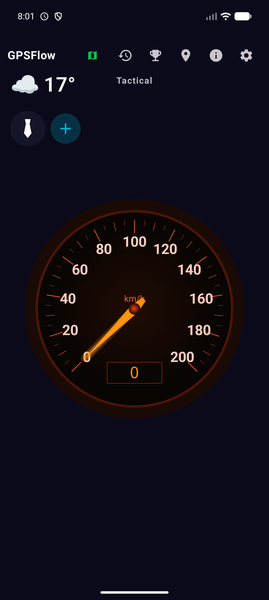
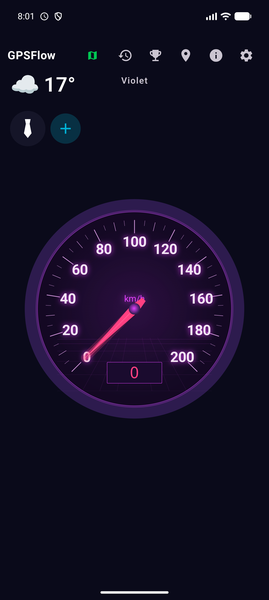
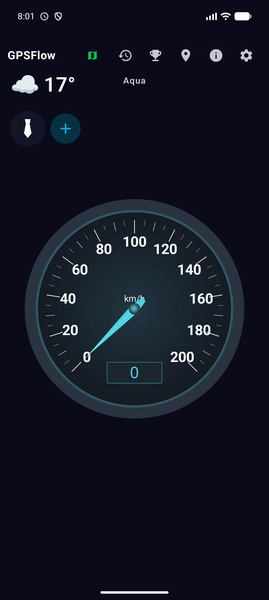
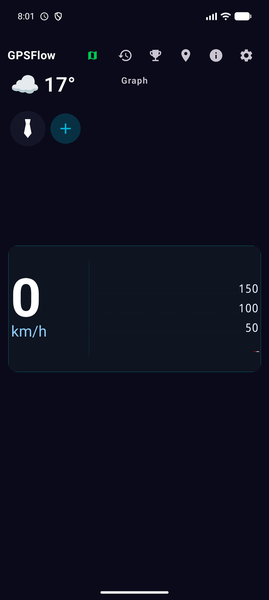
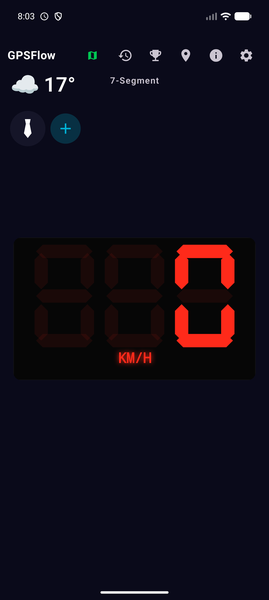
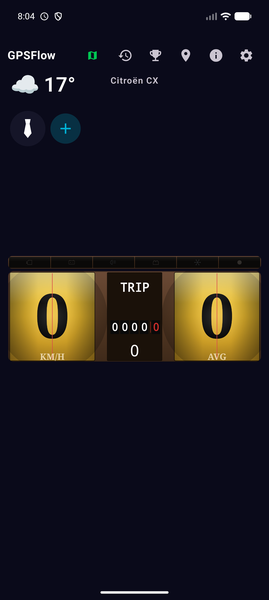
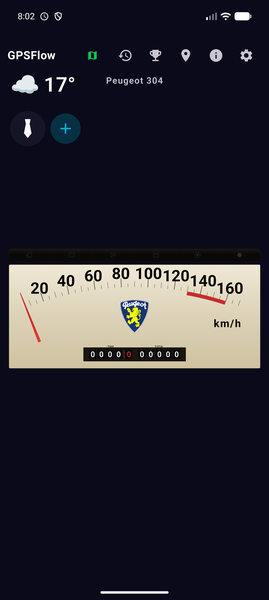
Interface translated to French, English, German, Spanish, Italian, Portuguese, Dutch, Polish, Norwegian, Romanian, Swedish, Finnish. 13 speedometer themes — from classic to airliner cockpit.
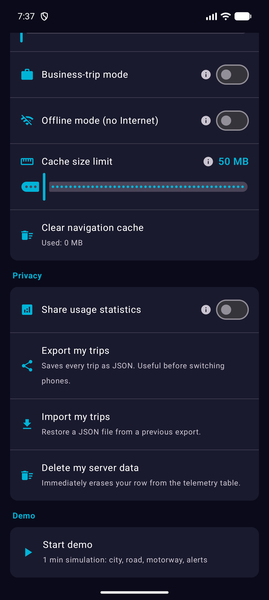
No account, no email, no ads. Community and usage stats off by default. Anonymous local UUID, never your IP. Server-side wipe in one tap.
No Play Store? No problem: the app checks our server daily, downloads the signed APK in the background and prompts you to install in one tap. No data sent — just an anonymous GET.
Live speed, pace, distance and elevation gain on the wrist (cycling / running / hiking). Works with Pixel Watch, Galaxy Watch 4+, OnePlus Watch 2, TicWatch Pro 5, Xiaomi Watch 2. First install via a step-by-step wizard, automatic updates after that.
Your bike and walk trips ship to Health Connect in one tap — the official Android fitness datastore that Google Fit, Strava, Samsung Health, Fitbit and Komoot all read from. The full GPS polyline goes with it, and each app computes calories its own way. The legacy Google Fit Android API was shut down by Google in 2025 ; Health Connect is the successor.
GPSFlow doesn't do magic — it plugs into the right sources and makes them talk to each other.
Native Android read (FusedLocationProvider) + adaptive EMA (filters noise ≤ 2 km/h, passes real changes ≥ 6 km/h) + asymmetric slew-rate (max accel 14 km/h/s, decel 25 km/h/s). No oscillation at steady speed.
Priority: explicit OSM maxspeed tag → country profile per road type → European default. Automatic reduction in the rain (FR: 130→110, 110→100, 90→80) if Open-Meteo detects precipitation.
Mandatory snap to road (≤ 30 m), ±60° directional filter, compatibility matrix per OSM class (school never on motorway, stop/light never on expressway, camera/curve never on parking or farm track). No false alerts from the opposite carriageway.
Compliant with the 2012 French decree: control zone (4 km radius motorway / 2 km secondary / 300 m urban) instead of the exact camera position. Position never sent to the UI. 9 countries auto-banned (CH, DE, AT, LU, IT, ES, TR, IE, SK, CY).
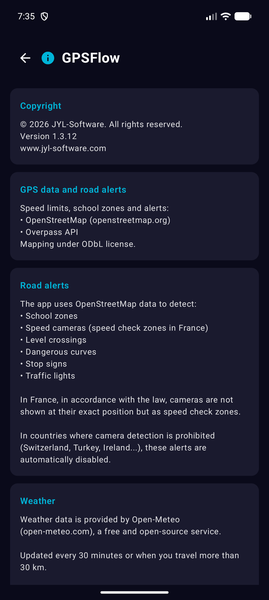
Fuel: data.gouv.fr (FR), Tankerkönig (DE), E-Control (AT), Minetur (ES), MIMIT (IT). EV charging: OpenChargeMap (Europe) + consolidated IRVE (FR, 62,000 stations). Weather: Open-Meteo. Maps: OpenStreetMap.
OSM tile cache (10–500 MB configurable, LRU). Weather, fuel, charging stations: opportunistic prefetch, TTL 6 h to 8 d depending on the source. Toggle “Offline” for zero network requests during a trip.
From 600 dp width (tablet or unfolded foldable), GPSFlow automatically switches to a 50/50 split: gauges + alerts on the left, bird's-eye view + zoom on the right. Adaptive layout compliant with the Android 17 (API 37) rule.
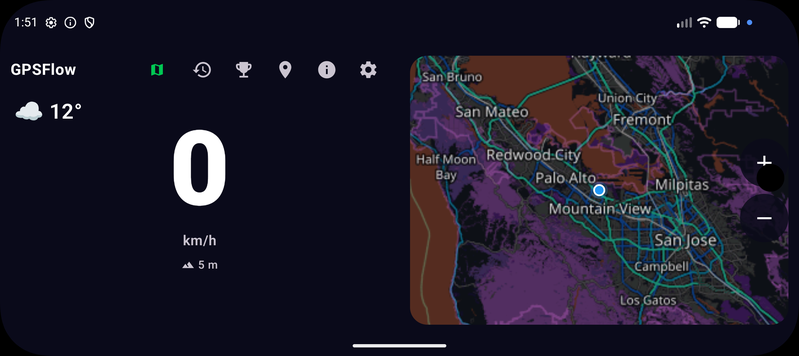
Speedometer, alerts, fuel prices, EV stations, tolls, weather, demo mode and themes — a quick look at what's on board.
Real-world demo · watch on YouTube
Pick the vibe that suits you — from classic to airliner cockpit, with manufacturer homages along the way.
The APK is signed and hosted on our own servers (no Play Store relay for now — we release faster on your feedback).
Tap the download button from your Android phone. The file GPSFlow-2.2.27.apk lands in your Downloads folder.
On first launch Android asks for permission to install from this source. Accept it: it's standard for any app outside the Play Store, and the prompt only appears once.
The GPSFlow icon appears on your home screen. At first launch the app asks for location access (required) and audio (voice alerts — optional).
Signed APK · Android 8.0+ · Updated on 06/05/2026
Ingen prenumeration. Inga in-app-köp. Ingen reklam. Ingen dold «premium»-nivå.
GPSFlow
Alla funktioner, utan begränsning
* GPSFlow is a free-software project supported by JYL Software. If you like the app, share it — it's our only form of promotion.
GPSFlow is built on a simple principle: no personal data leaves your phone unless you explicitly opt in.